Green ash
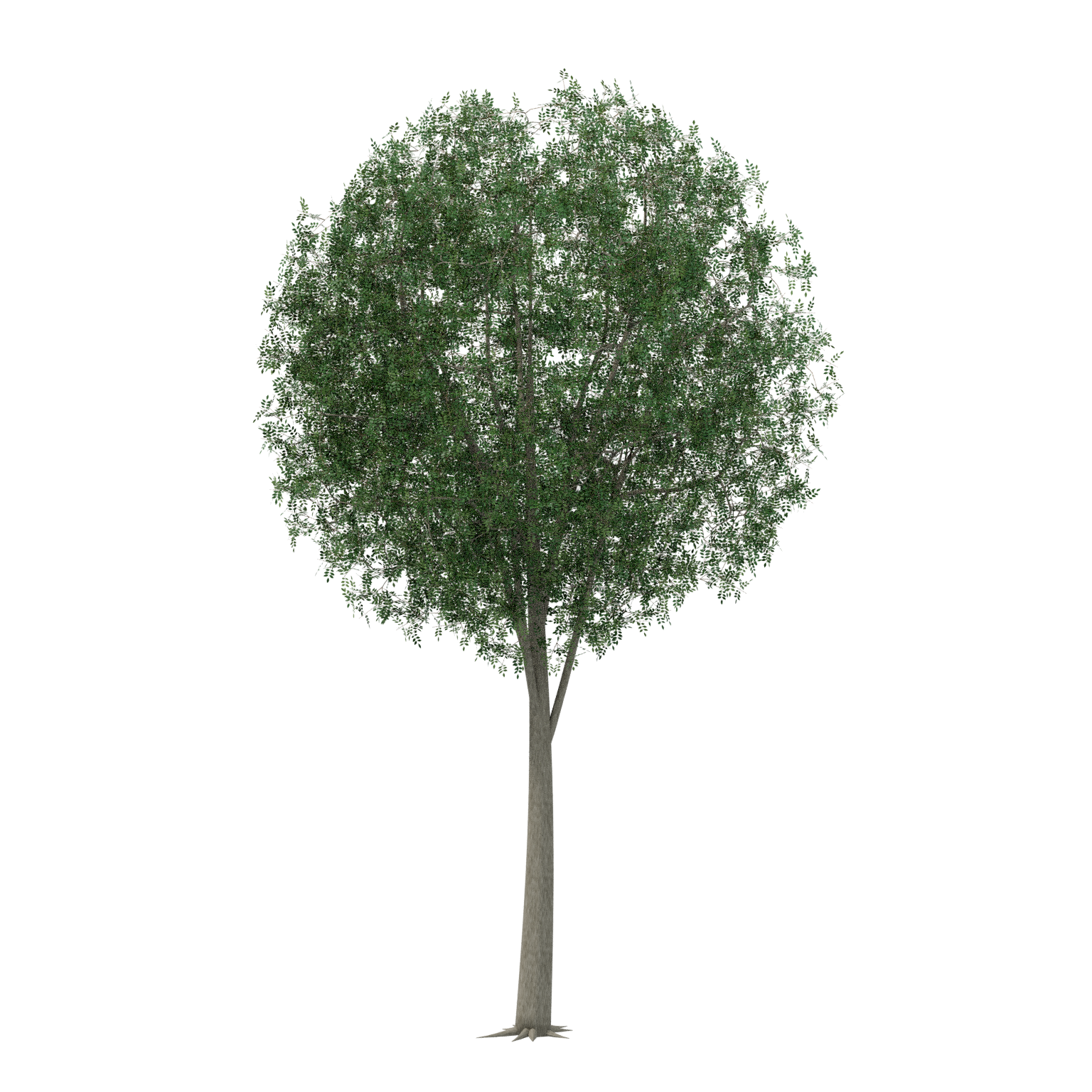
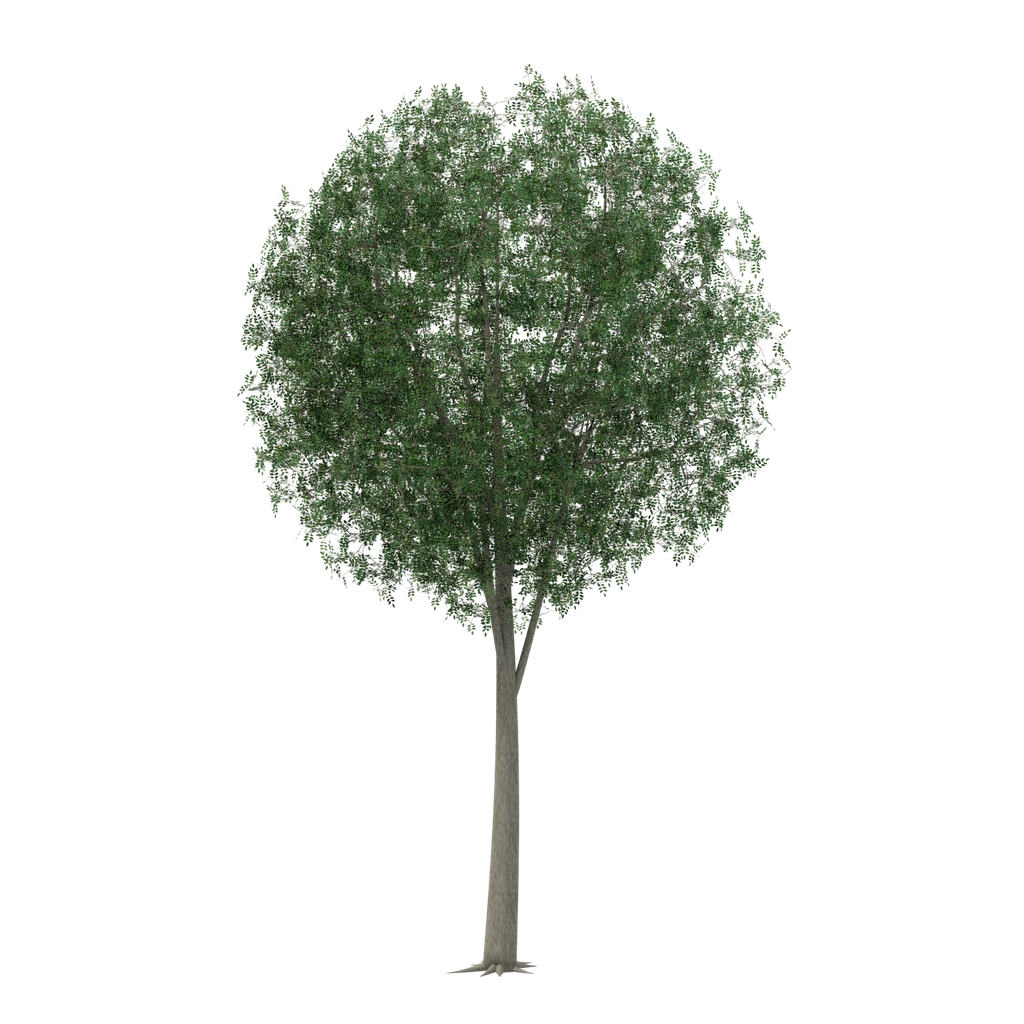
A Fraxinus pennsylvanica tree model with textured foliage, editable BLEND, embedded GLB and transparent PNG/WebP images.
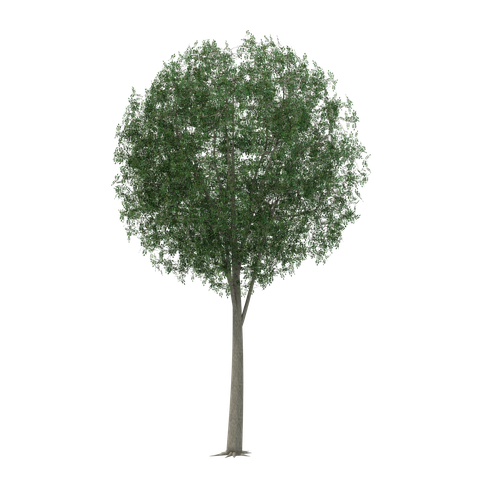
Open interactive asset preview ↗Choose a file ↓
What you get
A 3D model with volume. Check the model dimensions and file details before import.
- Scientific name used in the source: Fraxinus pennsylvanica.
- One static tree specimen per species with modeled trunk and branches and textured foliage surfaces.
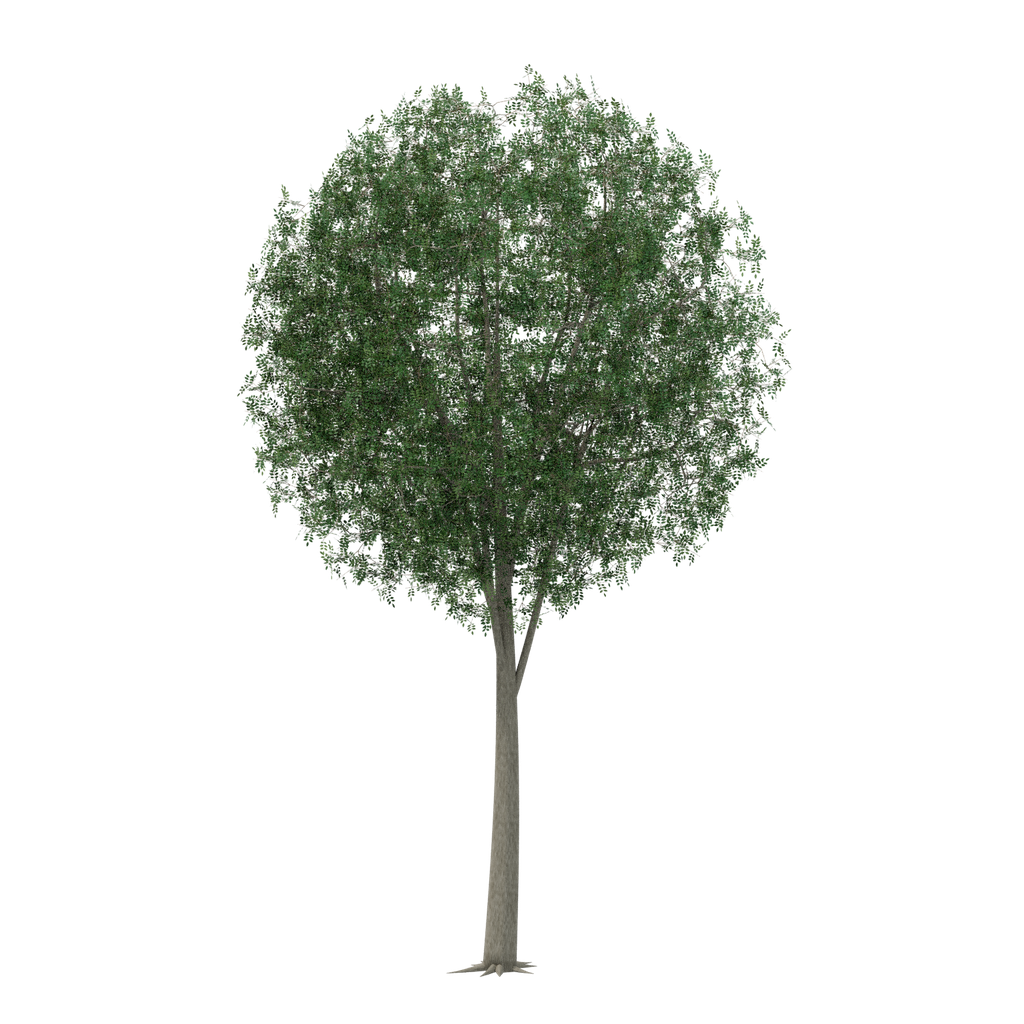
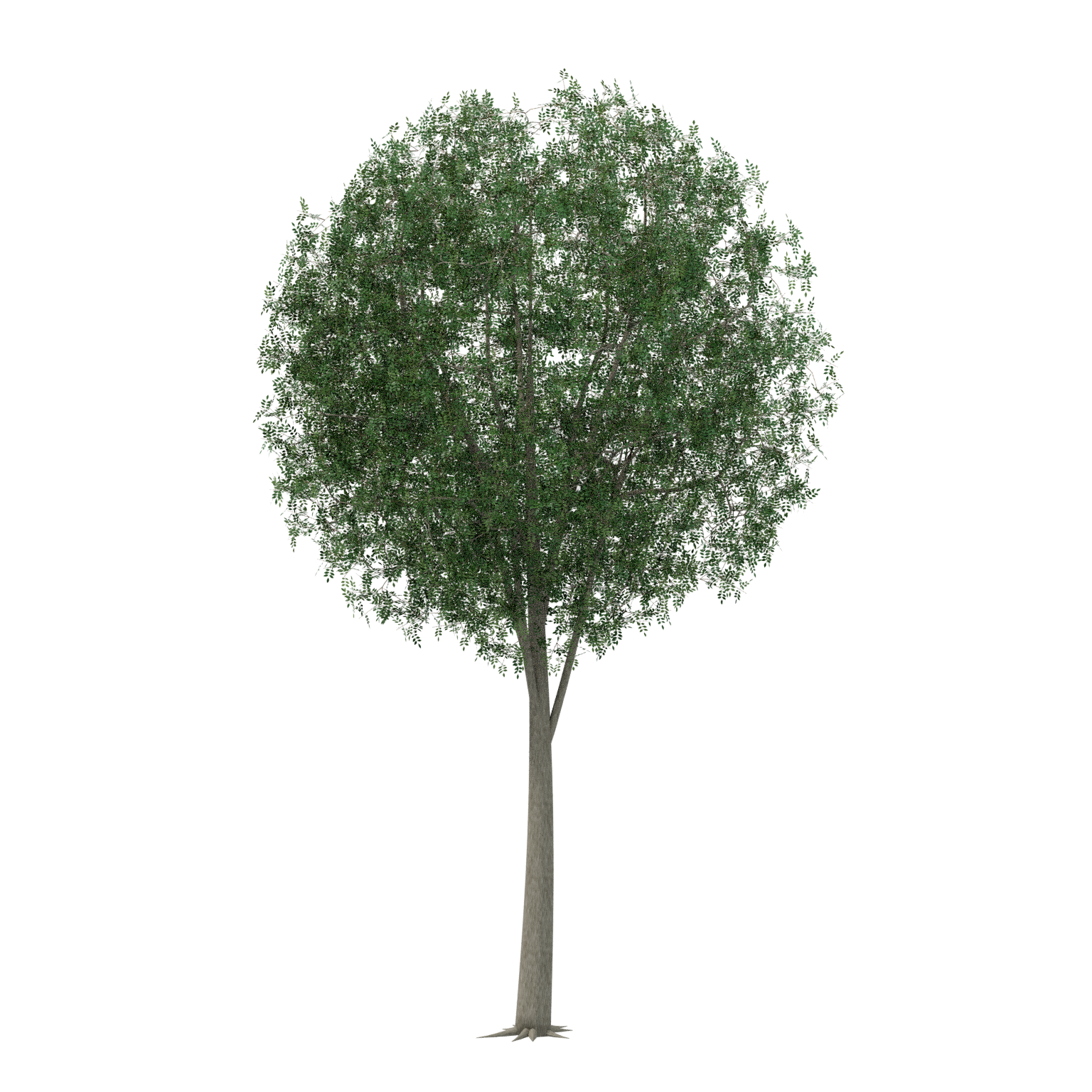
- The original delivered GLB, transparent PNG/WebP sprites and white PNG/WebP thumbnails are preserved byte-for-byte. Native BLEND copies have portable packed-image paths and cleaned presentation metadata; geometry, materials, transforms and packed texture pixels are unchanged.
- No wind rig, collision setup, automatic LOD system or game-engine performance certification is included.
- Fresh local checks cover native Blender reopen, unchanged geometry/material/texture signatures, GLB structure and embedded resources, image pixels and download packaging. No new renders or game-engine tests were performed.
- This delivery carries no website AI-training grant. See AI-TRAINING.json and LICENSE.txt.
- Static model without wind animation or collision.
- High polygon count; assess performance in the target engine.
Original model facts
- Triangles
- 1,998,600
- Mesh instances
- 11
- Materials
- 7
- Embedded textures
- 6
- GLB bounds · X / Y / Z
- 11.118 × 18.000 × 10.817 m
- Animation clips
- 0
- Skin bindings
- 0
Measured from Original · asset.glb. glTF uses meters and +Y up; Blender uses +Z up. Bounds enclose the model; rotated parts can leave extra space inside the box. These dimensions describe the model in the file and do not establish the scale of its subject.
Check scale, materials, collision and performance in your target project. See the available files for variants and extras.
Free to build with
Use and modify these assets in personal and commercial finished projects. The SiteChop license does not require credit in finished work. Follow any third-party notices. Do not resell or redistribute the standalone files.
AI assistants can download files for projects. Only files listed as conditional in the training manifest are within SiteChop’s training grant, subject to the stated and upstream terms.
AI-TRAINING.json · LICENSE.txt · How to import and use files
Use with AI tools
Choose your file
Select a file to see its preview when available. Use the download arrow to save the file.
Basic files
File checksums and training terms
SHA-256 identifies the exact file. Training permission follows the file’s entry and required notices.
- asset.blend
9c16cf93b8d1deb17c4b94246efae77c5ceb978e609b8745f6a5e9c5b6cd38b1outside_website_training_grant - asset.glb
9eaa2382c7149f731e043afa3484b37a4377c46062e19b23368c7acc5922aeecoutside_website_training_grant - sprite.png
62e06f25da648081549736a1e2f28ec9ead883742e5372e7dad2761b50d2fb2doutside_website_training_grant - sprite.webp
b50da54ac428287293417eb1c7556a399e67bd95aebe848bf7207d3ee1a23945outside_website_training_grant - thumbnail.png
71f20b146f2cb8babe0271d1c49f665660add9cbe6a51382c102d01910245c9doutside_website_training_grant - thumbnail.webp
c8eea81b9bf9beb4f611aeedaa1a44581e4c8d7beb10d8182a0c9a8c3a63f66eoutside_website_training_grant